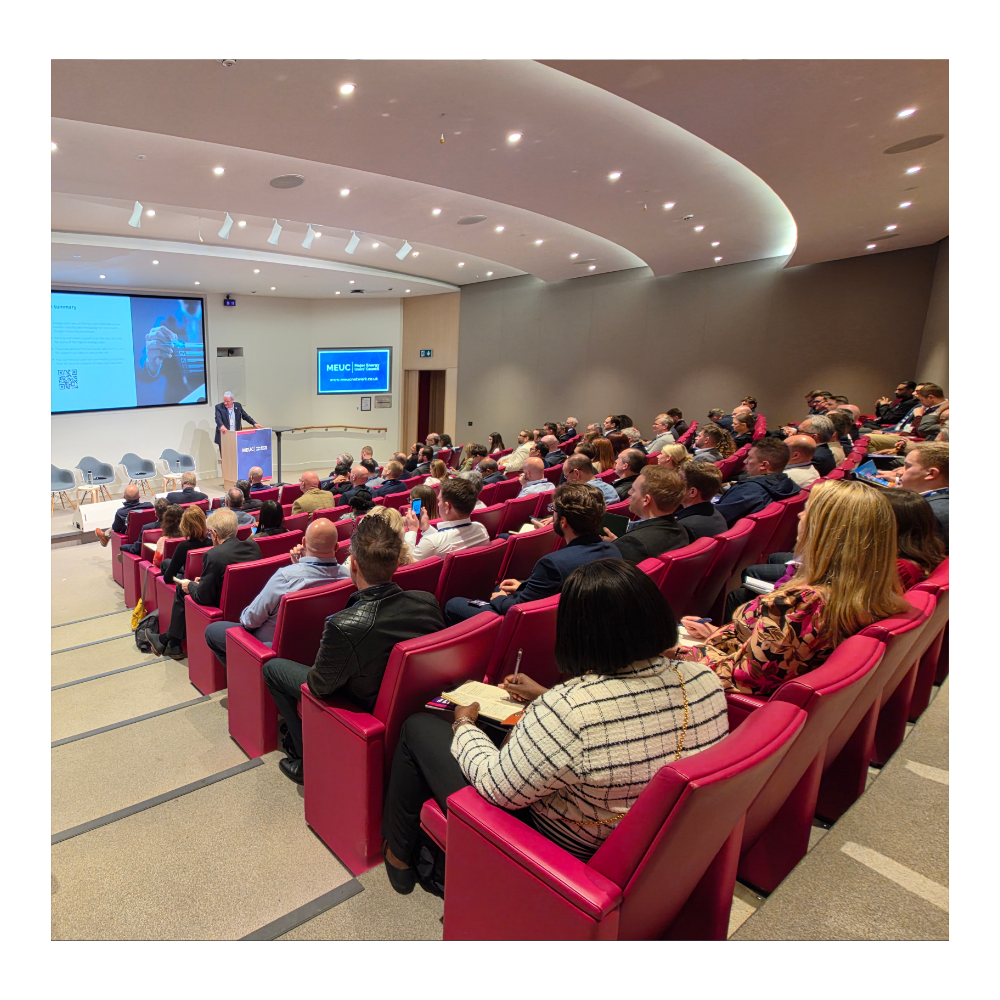
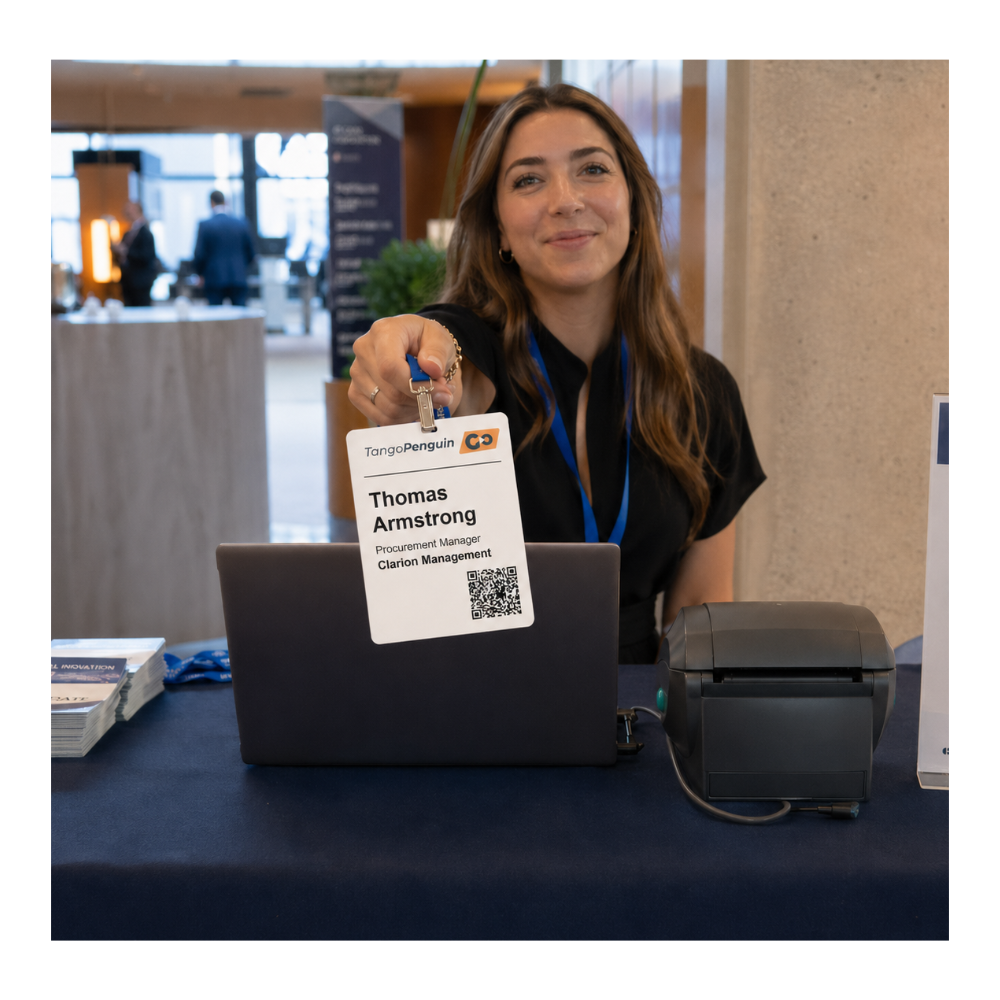
TangoPenguin GO brings badges, QR check-in, one-click access links, onsite printing, exhibitor lead capture and attendee networking into one browser-based event platform. From pre-event badge delivery to live desk operations.
TangoPenguin GO supports the full event-day journey:
Attendees arrive with a printed badge or show My Badge in the app, staff scan or search, badges print on demand, exhibitors capture leads, and networking attendees connect from their own phones.
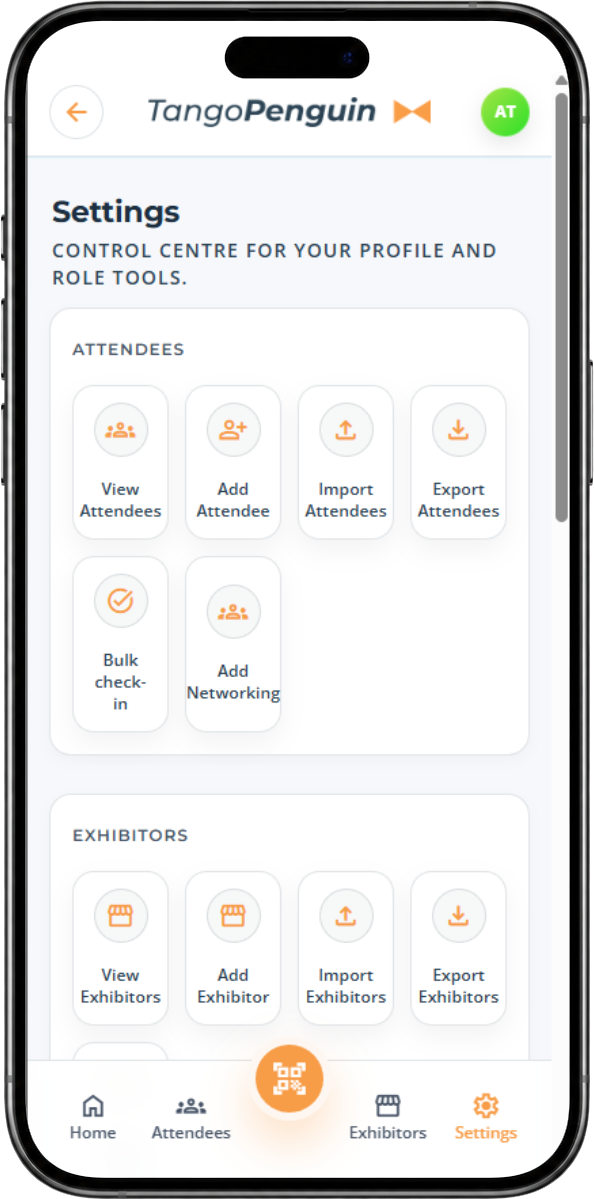
Event admins control the operational layer from inside the app: import attendees, configure event details, manage exhibitors, assign roles, send onboarding emails, prepare badge links and oversee live check-in and print activity.

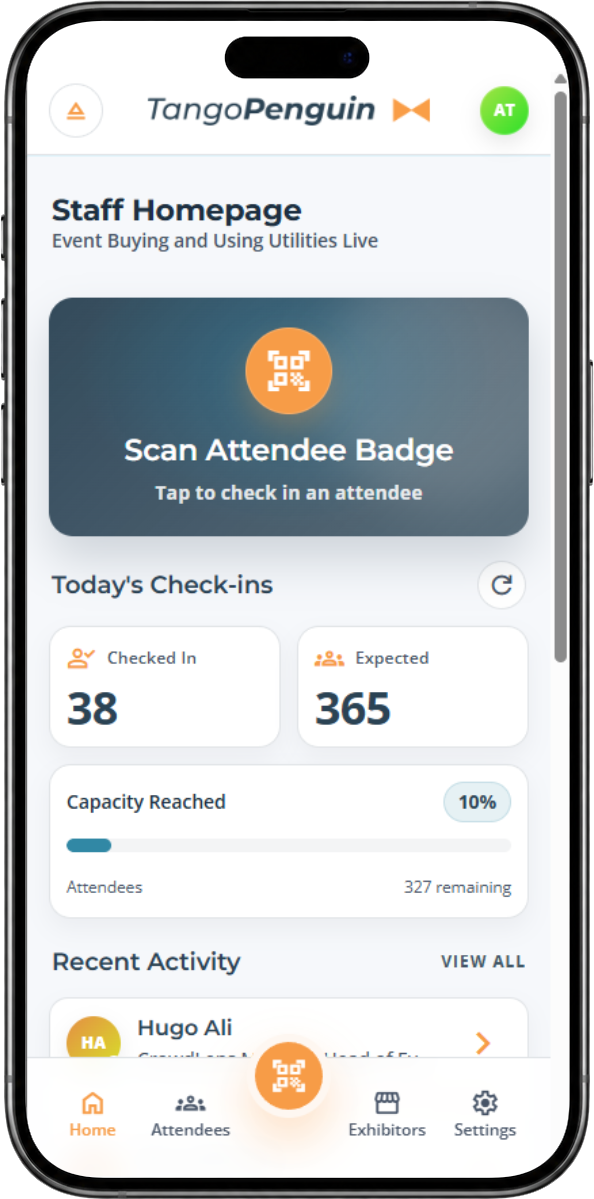
Front desk teams can scan an attendee QR code, confirm arrival, view the badge, and trigger a print in seconds. If someone arrives without their email or printed badge, staff can search by name or company and print from the same flow.

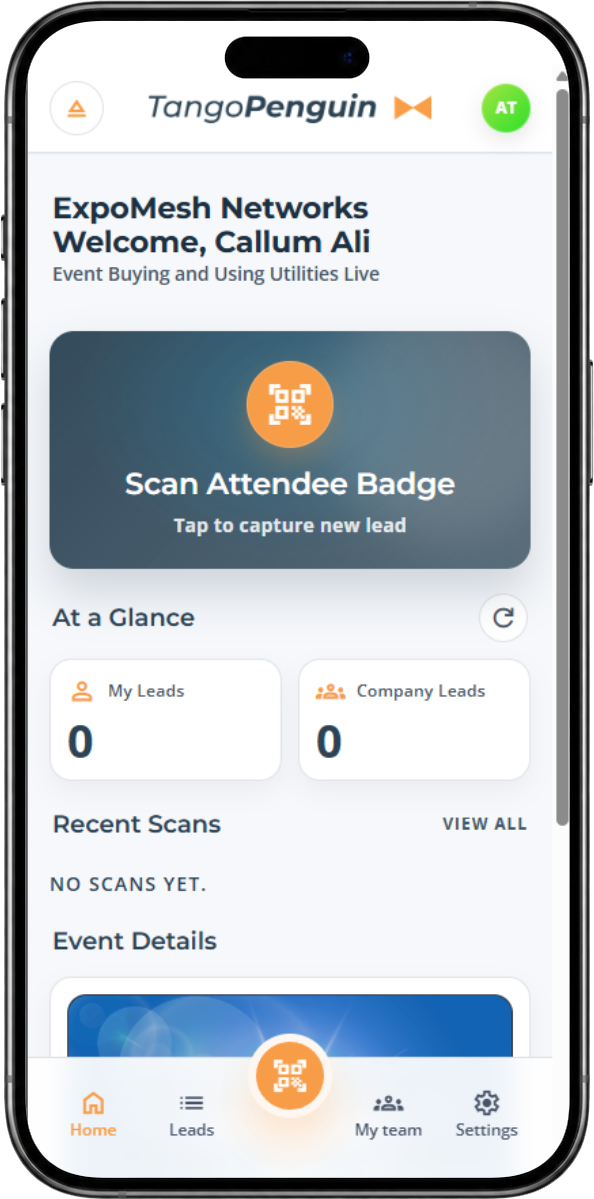
Each exhibitor can have its own team, scoped to its own stand and lead pool. Team members scan attendee badges, build a shared lead list during the day, and export their own data without seeing anyone else’s.

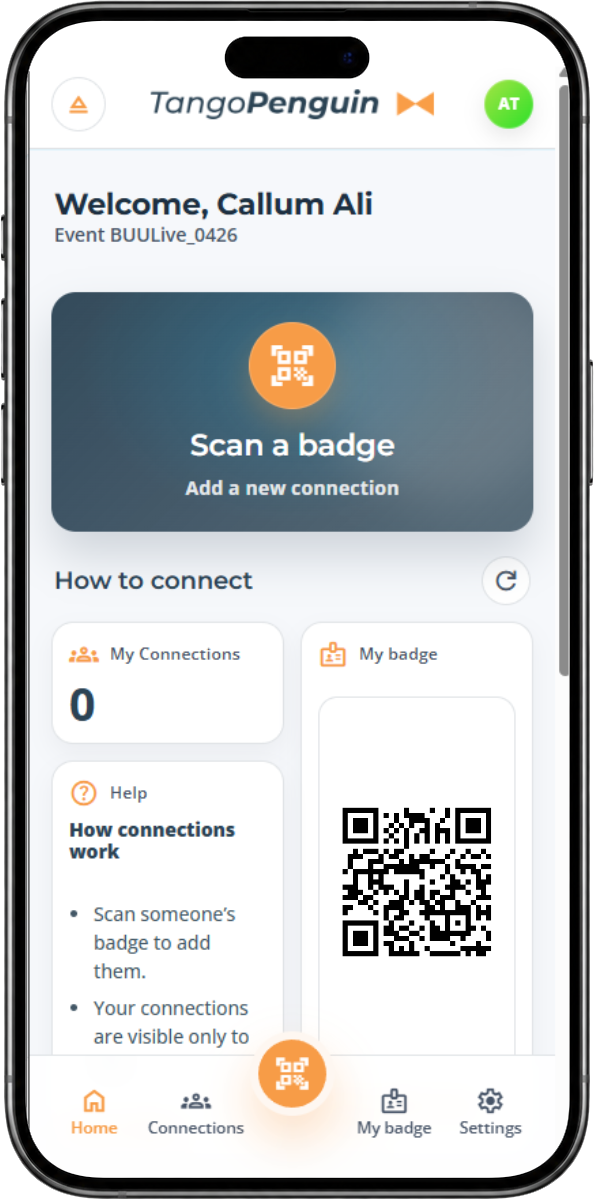
Attendees can arrive with a printed A4 badge, open their dynamic badge PDF, or use the My Badge area in the app. Networking attendees can also scan each other’s badges to build a private list of event connections.
“TangoPenguin GO gave us a smooth front-desk check-in flow, reliable badge printing, practical exhibitor lead scanning and clear live event information. It handled the real pressures of the day without adding complexity for staff, exhibitors or delegates.”
TangoPenguin GO ships as three coordinated layers — the event app, the print layer, and the QR infrastructure. Each purpose-built. All proven in live conditions.
The browser-based event surface for attendees, staff, exhibitors and organisers. It handles role-based home screens, My Badge, live attendee search, check-in, exhibitor lead capture, networking scans and operational settings — without asking users to install an app.
Dynamic badge PDFs and QR codes are generated for each attendee and event. Pre-event A4 badges can be sent by email, while onsite formats support A7, A6 and 100mm square badges with branded background templates.
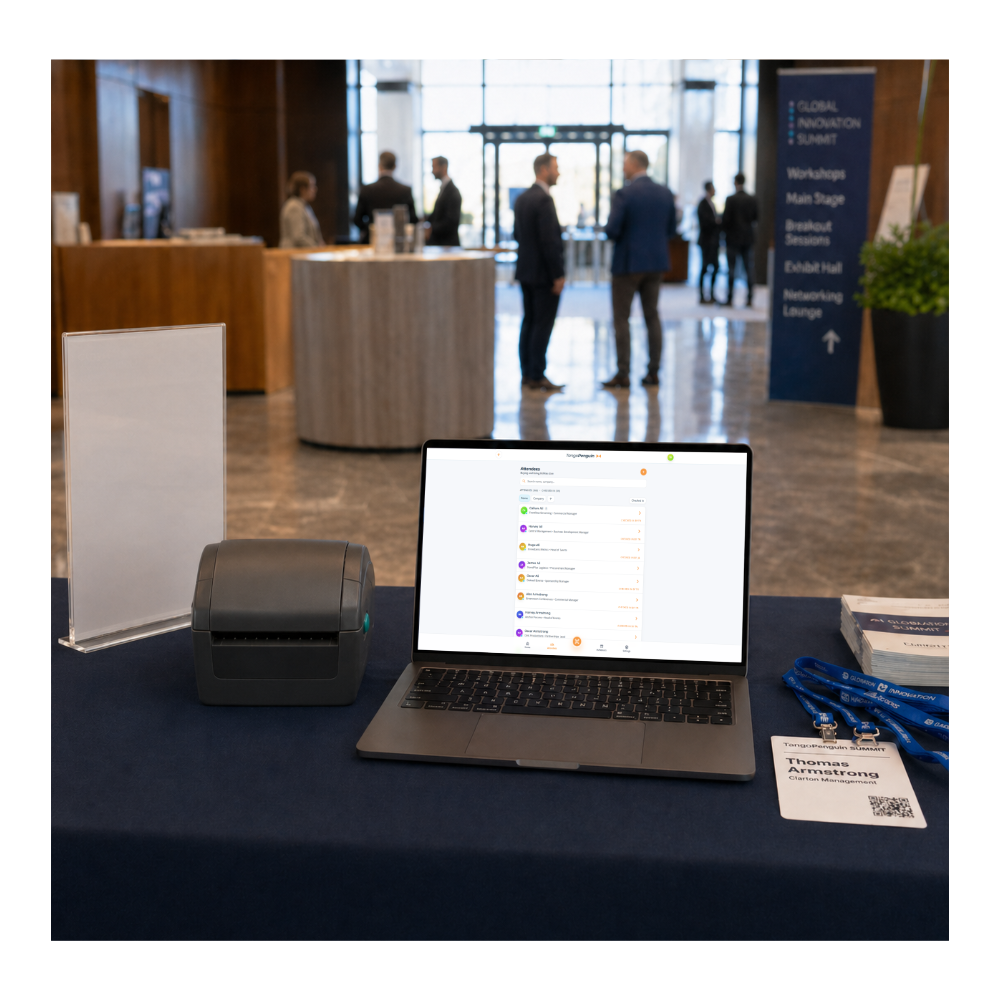
A lightweight Windows desktop bridge connects event desk printer to the browser app. Staff click print badge in the app, the print bridge springs into action, downloads the badge securely and sends it to the printer.
A practical workflow for the parts of event day that usually create pressure: access, badges, queues, scanning and follow-up.
Configure event details, badge templates, organisers, staff, exhibitors and attendee records. Import people by CSV and assign the correct access level before the event opens.
Setup · Event adminSend onboarding emails with one-click access links for staff, exhibitors and attendees. Issue pre-event A4 badge PDFs so attendees can arrive with a printed badge or open their dynamic badge on mobile.
Pre-event · Email & badge deliveryPre-print badges where needed, connect the Windows Print Bridge, select the badge format and run test prints. On the day, staff can scan and print or search and print from the same front desk workflow.
Operations · Print BridgeStaff scan attendee QR codes from paper badges, phones or badge PDFs. If a person arrives without a code, the desk can search the attendee list, check them in manually and trigger an onsite badge print.
Door · Check-inExhibitors scan badges for leads, exhibitor teams share their own lead pool, and networking attendees scan each other to create private connections. The event keeps producing useful data after check-in.
Floor · Leads & networkingConfigure event details, import attendees, add exhibitors, assign staff and prepare role-based access before the event opens.
Event setupSend role-specific emails with one-click access links, badge links and clear instructions for staff, exhibitors and attendees.
Access linksSend A4 badge PDFs ahead of the event so attendees can print before arrival and reduce pressure on the front desk.
A4 badge PDFEach attendee badge can be opened as a live PDF with a QR code tied to the event, attendee and badge flow.
QR badgeSupport A7, A6 and 100mm square onsite badge formats, with background templates for branded badge designs.
A7 · A6 · 100mmStaff can scan a QR code, search the attendee list, check someone in and trigger a badge print from the same operational flow.
Front deskThe Windows Print Bridge connects the web app to the desk printer for silent one-click badge printing without browser print prompts.
Print BridgeCreate exhibitors, assign team members, limit access and let each stand capture and export its own leads.
ExhibitorsNetworking attendees can scan each other’s badges to build a private list of connections made during the event.
NetworkingRole-based access means each user sees only what's relevant to them — from the front desk to the exhibition floor to the networking lounge.
Tell us about your next event and we’ll walk you through the full flow — setup, onboarding, badge delivery, check-in, onsite printing, exhibitor lead capture and networking.
Prefer email? Contact hello@tangopenguin.com.